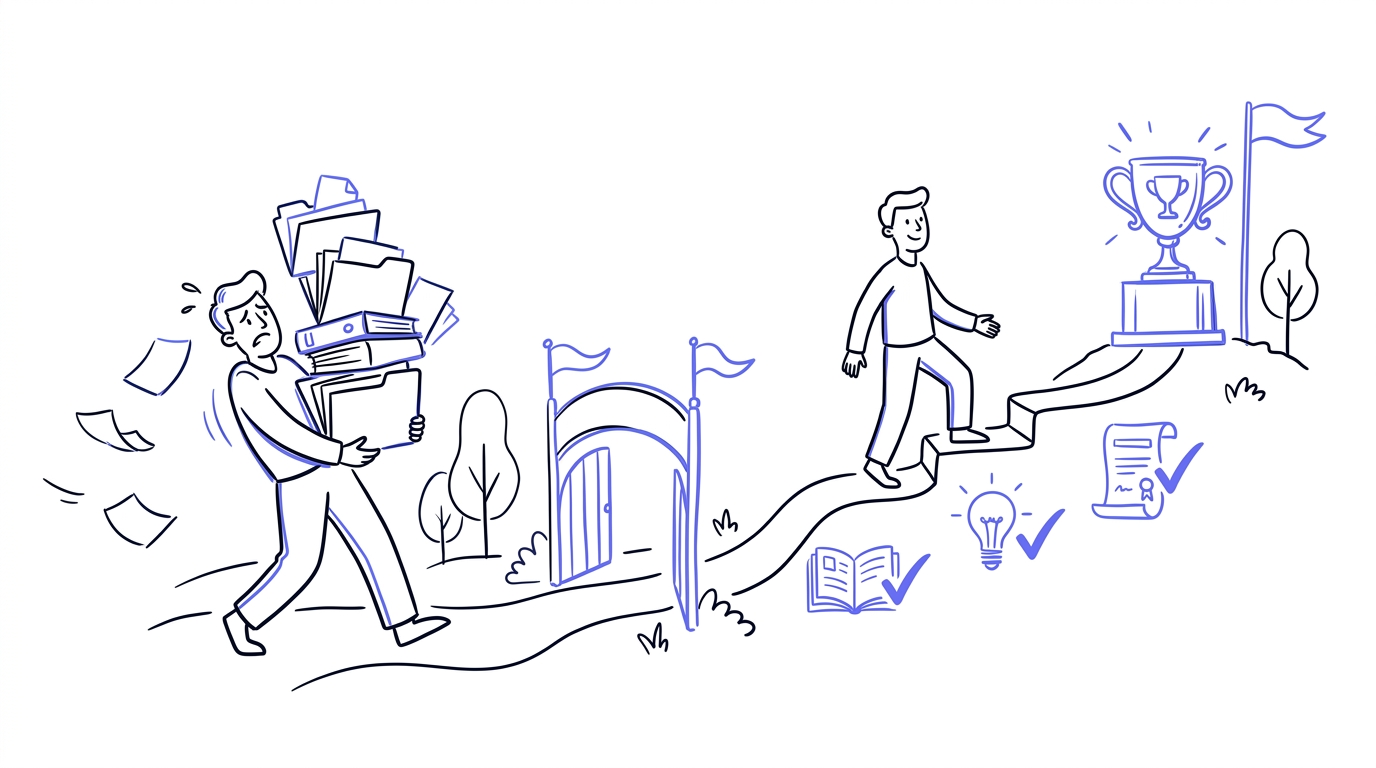
A new colleague starts on Monday, and the week before their inbox fills up. A PDF with house rules, a manual for the till, a document about safety, a form that still needs to come back. On top of that comes a message saying "have a look at this one too". Before you know it, onboarding has turned into a search through scattered files.
It works, sort of. But it is messy and you lose track. A course platform handles the same problem in a calmer, safer way.
Why a pile of files falls short
With scattered files nobody knows exactly where they stand. You forget which document you have already read and which not, and there is no place that shows how far along you are. One person reads everything, another misses just the most important file. And you only find out something slipped through when it goes wrong.
Safer and always current
Files start to wander. They end up in inboxes, on personal phones and on a USB stick, and you lose sight of them there. When someone leaves, the documents are still out there somewhere. And the moment you change something, several versions circulate at once, so one new hire reads an outdated manual and another reads the right one.
On a course platform everything sits in one protected place. You give people access and you take it away again. When you update something, everyone sees the current version right away, without old copies lying around.
A course checks itself off
In a course you work through the material in a set order, and every completed step is checked off automatically. You see exactly where you left off and can read parts back calmly, neatly ordered instead of spread across scattered files.
And checking something off is not the same as understanding it. After a section you can ask a few questions to test whether the material really landed. That way you know someone has not just opened it, but actually gets it.
Is all of it even relevant?
A large onboarding document often contains all sorts of things, and far from all of it applies to everyone. The kitchen worker does not need the till instructions, and the office worker does not need the warehouse protocol. In a single file everyone gets the whole pile anyway.
You can assign a course to a specific team or person. That way someone only gets what fits their own role, and you do not overwhelm a new hire with information that is not relevant anyway.
Try Zunderwork free
Build, assign and track training in one place.
A better first day
How you onboard someone is also their first impression. A pile of attachments on day one feels messy and creates stress. A tidy course with a clear route feels well cared for and welcoming, and shows that you have taken it seriously.
There is rhythm to it too. Finishing a course is a natural pause, a small "done" before you start the next one. With an endless fifty-page document you do not have that, you just keep scrolling without knowing when you are finished.
You stay on top of progress
While the new employee works through the course, you see at a glance how far along everyone is. Who is done, who has started, who is stuck. You no longer have to guess or ask around whether someone really read that one document.
How Zunderwork solves it
With Zunderwork you turn your onboarding files into one structured course. You build the material up in steps and assign the course to the right people, instead of sending a folder of documents around.
That way onboarding is no longer a search through scattered files, but a clear route that every new colleague follows the same way. And you know for sure that the material has been read, understood and completed.